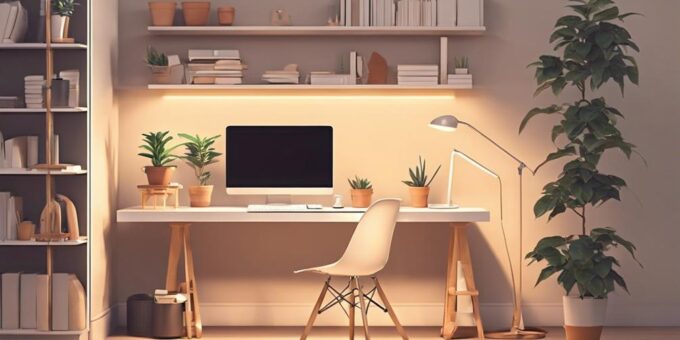
To enhance productivity in our home office, we’ll want to designate a dedicated work area separate from living spaces. Investing in quality, ergonomic furniture is key, as is minimizing distractions by decluttering and limiting digital notifications. Optimizing lighting, temperature, and organization systems helps too. We’ll leverage technology like virtual assistants and cloud storage to streamline workflows. Establishing clear boundaries and routines, while cultivating a relaxing environment, guarantees we’re mentally primed for focused work. By taking a thoughtful, multi-faceted approach, we can create a home office that enables maximum efficiency and creativity. There’s more we can share to truly transform our workspace. Incorporating ecofriendly home improvements like energy-efficient lighting and sustainable furniture can further enhance our workspace while reducing our environmental footprint. Adding indoor plants not only improves air quality but also fosters a calming atmosphere that boosts focus and creativity. By continuously refining our setup and adopting mindful work habits, we can ensure our home office remains a space that supports both productivity and well-being.
Designating a Dedicated Work Area
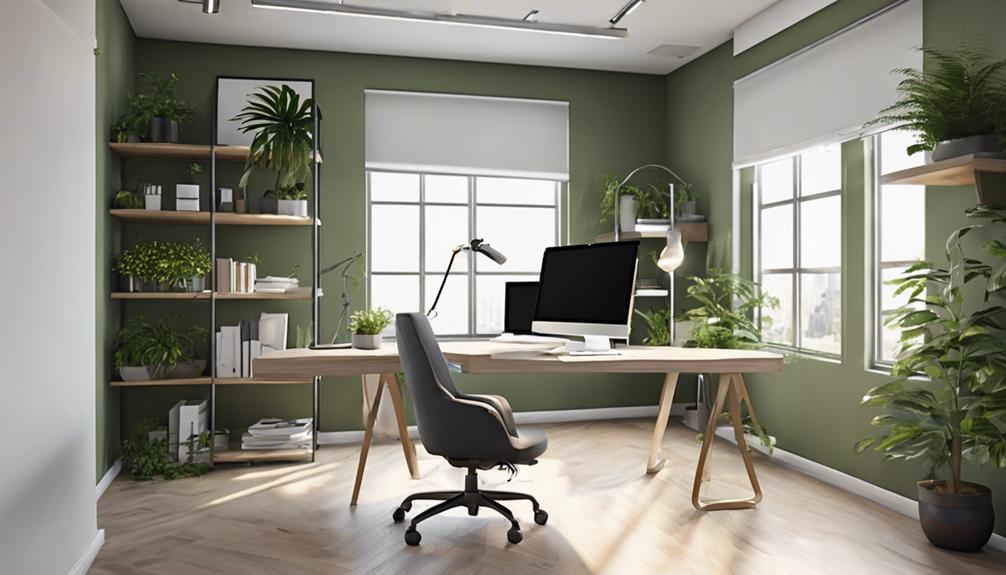
When setting up a home office, it's crucial that we designate a dedicated work area, separate from our living spaces. This helps us mentally switch into 'work mode' and boosts our productivity. We shouldn't try to cram a desk into a corner of our bedroom or living room – that's a recipe for distractions and a lack of focus.
Instead, we'll want to identify a quiet, distraction-free spot in our homes, even if it's just a small nook. This could be a spare bedroom, a corner of the basement, or a space under the stairs. The key is creating a physical boundary between our professional and personal lives.
Ergonomic Furniture and Equipment
Once we've established a dedicated work area, we'll want to select ergonomic furniture and equipment that support our health and comfort throughout the workday. Investing in a quality desk and chair is essential – they should promote good posture and minimize strain on our bodies. An adjustable standing desk allows us to switch between sitting and standing, keeping our circulation flowing. Ergonomic keyboards and mice reduce the risk of repetitive strain injuries. Proper lighting, whether natural or task-specific, prevents eye strain. And don't forget the benefits of noise-canceling headphones or a white noise machine to help us focus. By thoughtfully curating our home office setup, we can create a workspace that empowers us to be our most productive selves. With the right ergonomic tools in place, we'll feel energized and inspired to tackle the day's tasks.
Minimizing Distractions and Clutter
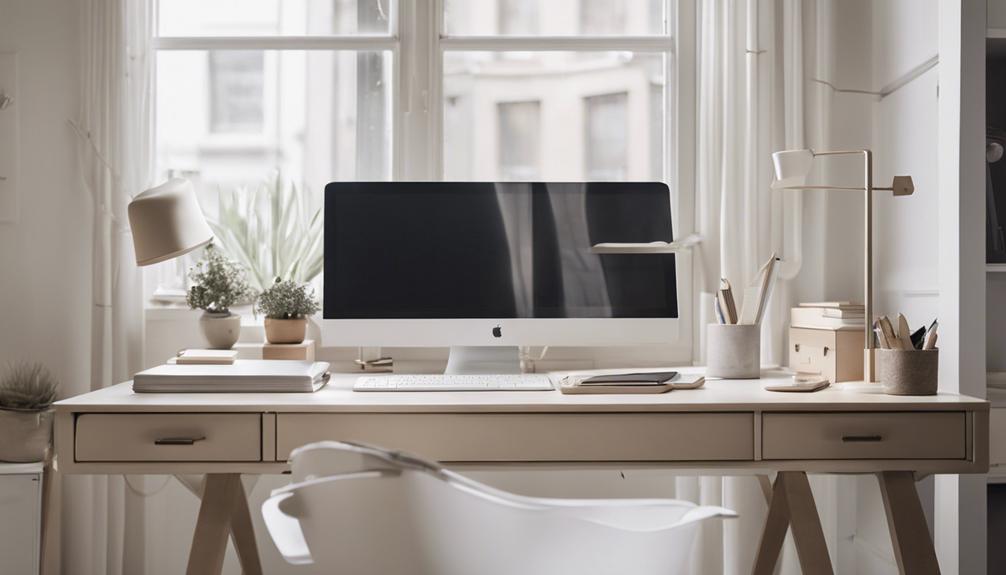
Let's tackle the challenge of minimizing distractions and clutter in our home office space. First, we'll declutter our work surface to maintain a clear and focused environment. Additionally, we'll limit digital distractions by managing our notifications and prioritizing tasks to stay on track.
Declutter Work Surface
Streamlining our work surface is essential for minimizing distractions and maintaining a focused, productive environment. We'll start by ruthlessly decluttering, removing anything that doesn't directly support our work. No more piles of papers, random knickknacks, or overflowing office supplies. We want a clean, uncluttered space that allows our minds to thrive.
Next, we'll implement a simple, intuitive organization system. Designate specific areas for essential items, label storage containers, and create a logical flow. This way, we can quickly locate what we need without wasting time hunting through the chaos. Remember, a decluttered work surface frees up mental energy, enabling us to tackle tasks with laser-like focus.
Limit Digital Distractions
Alongside decluttering our physical work surface, we must also address digital distractions that can hinder our productivity. In our increasingly connected world, it's easy to get drawn into the endless scroll of social media, the ding of email notifications, and the temptation to browse the web. However, these digital distractions can fragment our focus and derail our workflow.
To limit digital distractions, we can:
- Turn off notifications on our devices and close unnecessary browser tabs and applications.
- Leverage productivity tools like website blockers and time management apps to restrict access to certain websites during work hours.
- Establish boundaries by setting specific times for checking email and social media, rather than allowing them to interrupt our flow.
- Cultivate the discipline to close distracting apps and resist the urge to mindlessly browse when we should be focused on our tasks.
- Prioritize deep work and minimize multitasking to maximize our cognitive resources.
Optimal Lighting and Temperature
Proper lighting and temperature are essential components in crafting a productive and comfortable home office environment. We'll explore practical strategies to optimize these elements and enhance your workspace.
Achieving the right lighting is key. We recommend a mix of ambient and task lighting. Utilize natural daylight as much as possible by positioning your desk near a window. Supplement this with adjustable lamps that can provide directed illumination for your work area. Experiment with color temperature – warmer tones can create a cozy vibe, while cooler hues boost alertness.
Maintaining an ideal temperature is also vital. We find that a range between 68-72°F (20-22°C) is generally best. Invest in a programmable thermostat so you can easily control the climate. Avoid extreme temperatures that can cause discomfort and distraction.
Organizing Files and Documents
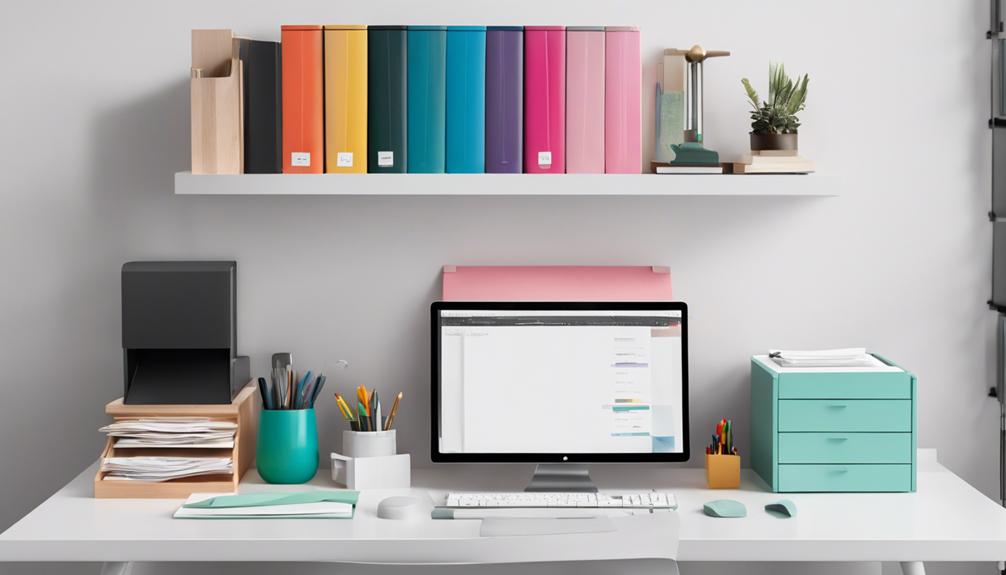
Let's tackle the task of organizing our files and documents. Should we opt for digital or physical filing? And how can we declutter our workspace essentials to stay focused and productive?
Digital Vs. Physical Filing
Considering the evolving digital landscape, we must thoughtfully weigh the merits of digital and physical file organization when crafting a productive home office space. While digital solutions offer convenience and searchability, the tangibility of physical files can provide a sense of control and clarity that many find comforting.
- The tactile experience of sorting, labeling, and accessing physical documents can foster a deeper connection to our work and create a more immersive workspace.
- Digitizing files, on the other hand, frees up valuable real estate and enables seamless backup and remote access, empowering us to work from anywhere.
- For sensitive information, physical storage may provide an added layer of security and privacy that some prefer over cloud-based solutions.
- However, the clutter and maintenance associated with physical archives can be burdensome, potentially hindering productivity.
- Ultimately, the choice between digital and physical filing should be guided by our individual needs, work style, and the specific requirements of our home office setup.
Decluttering Workspace Essentials
Tackling the clutter that can accumulate within our workspace is key to maintaining a productive and focused home office environment. We've found that regularly decluttering our workspace essentials helps us regain control and feel liberated from the unnecessary. By adopting a minimalist mindset, we can identify which items truly contribute to our workflow and which ones are simply taking up valuable real estate.
Establishing a system for organizing files and documents is a game-changer. Whether it's color-coding, using labeled folders, or going digital, finding the right method that aligns with our work style makes a world of difference. We're also big fans of regularly scanning and digitizing physical documents to reduce paper clutter. This not only frees up physical space but also makes important information more accessible.
Ultimately, a decluttered workspace allows us to focus on the tasks at hand, find what we need quickly, and maintain a sense of calm amidst the hustle and bustle of our daily work. It's a simple yet powerful step towards a more productive and fulfilling home office experience.
Incorporating Personalized Touches
Personalizing your home office space can boost productivity and foster a sense of comfort. We might incorporate cherished artwork, family photos, or meaningful trinkets to create an inspiring and reflective environment. Carefully selected décor can also help us define distinct work and relaxation zones within the same area.
Adding personal touches can evoke emotions that fuel our creativity and focus. We might:
- Display a beloved painting that reminds us of cherished memories
- Arrange a small succulent garden to bring a calming natural element
- Position a framed photo of our loved ones for frequent motivation
- Incorporate a cozy throw blanket for moments of contemplation
- Light a scented candle to set a peaceful ambiance
These simple yet impactful additions can transform our home office into a space that truly reflects our unique personality and values. By infusing our workspace with personal meaning, we'll feel more energized, grounded, and ready to tackle the day's tasks with passion and purpose.
Leveraging Technology for Efficiency
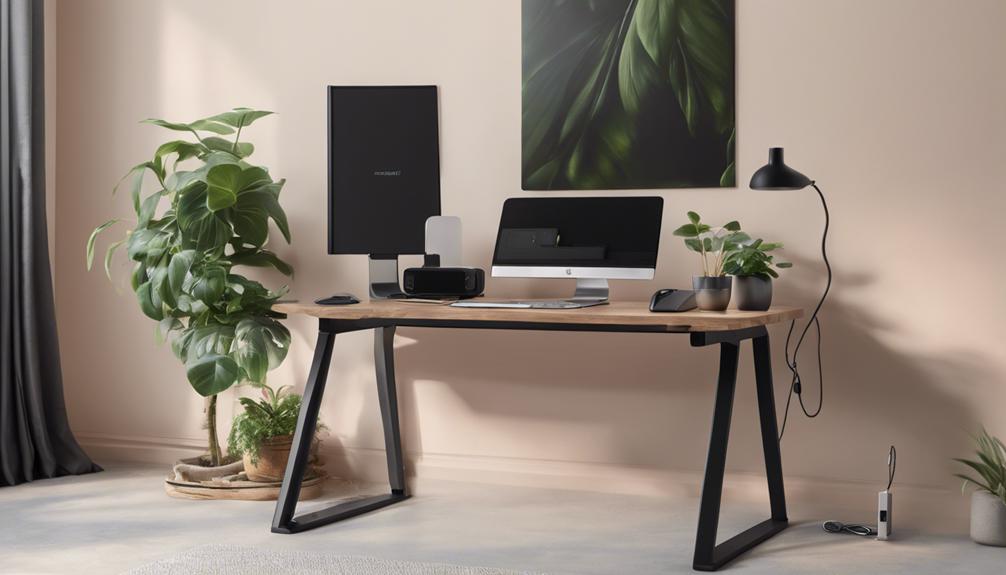
We've found that harnessing technology can greatly boost our home office efficiency. By optimizing our digital workflows, streamlining communication tools, and automating task management, we're able to save time and stay organized. Exploring these technological solutions has been a game-changer for enhancing our productivity and focus.
Optimize Digital Workflows
Leveraging technology can streamline our digital workflows, enabling us to boost productivity and optimize efficiency within the home office. By embracing the power of digital tools, we can emancipate ourselves from the constraints of traditional office environments and reveal new levels of freedom and flexibility.
- Automate routine tasks with intelligent software, freeing up time for deep work and strategic thinking.
- Seamlessly collaborate with remote colleagues using cloud-based project management platforms, fostering a sense of connection and shared purpose.
- Leverage virtual assistants to handle administrative duties, allowing us to focus on our core responsibilities.
- Embrace cloud storage and document management solutions to access files from anywhere, ensuring our work is always at our fingertips.
- Optimize our digital workflows by integrating various tools and apps, creating a harmonious ecosystem that supports our unique needs and preferences.
Streamline Communication Tools
With digital workflows optimized, we can now turn our attention to streamlining our communication tools, which play an important role in maintaining productivity and collaboration within the home office. By leveraging technology, we can break free from the constraints of traditional communication methods and create a seamless, efficient flow of information.
First and foremost, we'll want to consolidate our communication channels, ensuring we're not jumping between multiple platforms and apps. A unified, all-in-one solution, like a robust team collaboration platform, can streamline our interactions, keeping everything in one centralized place. This not only saves time but also fosters better teamwork and information sharing.
Additionally, we'll explore AI-powered assistants and automation tools to handle routine tasks, such as scheduling meetings, sending reminders, and even transcribing calls. This frees up our mental bandwidth, allowing us to focus on more meaningful, high-impact work. Ultimately, by streamlining our communication tools, we'll gain the freedom to be more productive, collaborative, and in control of our home office environment.
Automate Task Management
Efficiency takes center stage as we leverage technology to automate our task management, freeing up valuable time and mental resources. By harnessing the power of smart tools and apps, we can streamline our workflows, prioritize tasks, and stay on top of our to-do lists with ease.
- Bid farewell to manual scheduling and embrace intelligent calendar integrations that automatically sync across devices, guaranteeing we never miss a deadline.
- Harness the power of project management platforms that allow us to visualize our progress, delegate tasks, and collaborate seamlessly with team members, regardless of location.
- Leverage AI-powered assistants to handle routine administrative tasks, from scheduling appointments to generating reports, empowering us to focus on higher-value work.
- Automate recurring tasks, such as bill payments and expense tracking, to eliminate the hassle and make sure everything is taken care of without our constant attention.
- Embrace the freedom of mobile task management, allowing us to stay productive on the go and make the most of our time, wherever we are.
Establishing Boundaries and Routines
Establishing clear boundaries and routines is crucial when working from home. We'll need to set up a dedicated workspace, minimize distractions, and stick to a consistent schedule to stay productive.
Carving out a specific area for work helps us mentally shift into 'work mode' when we enter that space. We can personalize it with inspiring decor, ergonomic furniture, and the tools we need, but we must resist the urge to work from the couch or bed. Those areas are for rest and relaxation.
Next, we'll need to establish boundaries with family members or roommates. Let them know when we're in 'do not disturb' mode, and commit to stepping away from work during breaks. Silencing notifications, closing irrelevant browser tabs, and avoiding social media can also reduce distractions.
Cultivating a Relaxing Environment
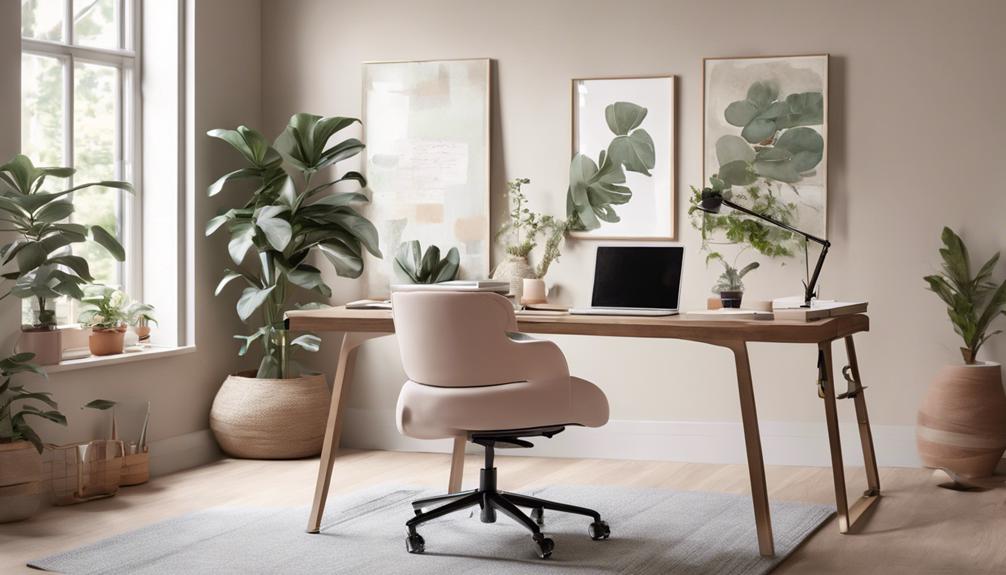
How can we cultivate a relaxing environment in our home office? Surrounding ourselves with soothing decor, natural light, and calming background sounds can help us feel more at ease and rejuvenated throughout the workday.
By incorporating some simple elements, we can transform our workspace into a serene oasis. Here are a few ideas to contemplate:
- Adding soft, natural textiles like linen or wool to create a cozy, inviting atmosphere
- Placing a small potted plant or fresh flowers on our desk to bring the outdoors in
- Playing gentle, ambient music or nature sounds to drown out distractions and promote focus
- Hanging artwork or inspiring quotes that uplift and energize us
- Introducing a tabletop water feature or essential oil diffuser to evoke a sense of tranquility
When we prioritize creating a relaxing home office, we empower ourselves to be more productive, creative, and content in our work. This small investment of time and effort can yield significant dividends for our well-being and professional success.
Measuring and Refining the Setup
By carefully measuring and refining our home office setup, we can optimize the space for maximum productivity and comfort. Identifying the appropriate desk dimensions, chair height, and monitor placement are essential steps in creating an ergonomic and efficient work environment.
We'll use a tape measure to determine the ideal desk size, ensuring it provides ample workspace without feeling cramped. Adjusting the chair height so our elbows are at a 90-degree angle while typing will alleviate strain on our wrists and shoulders. Positioning our monitors at eye level reduces neck tension and minimizes glare, enabling us to work comfortably for extended periods.
Through a process of trial and error, we'll refine the setup until every element feels just right. By personalizing our home office, we take control of our environment and optimize our full potential. With a workspace tailored to our needs, we're free to focus on the task at hand, unencumbered by physical distractions or discomfort.
Frequently Asked Questions
How Can I Create a Professional-Looking Home Office on a Budget?
We can create a professional-looking home office on a budget by focusing on a few key elements. First, let's choose functional yet stylish furniture that fits our space and needs. We'll maximize storage with smart organization solutions. Accent the area with thoughtful decor that reflects our personality. By making the most of our resources, we'll craft a productive workspace we'll be proud to call our own.
What Are the Best Plants to Include in a Home Office?
Ah, the age-old dilemma – what plants to include in our home office? Let's be real, folks – who needs productivity when we can surround ourselves with lush, verdant foliage? Screw the budget, we're talking about our mental well-being here! Forget the stuffy, corporate look – let's transform our workspace into a jungle oasis, where the only productivity we need is the kind that comes from communing with nature. After all, what's the point of freedom if we can't enjoy a little greenery? Now, where did I put that watering can?
How Do I Maintain My Home Office Setup When Working Remotely?
We've got to make sure our home office setup stays optimized when working remotely. First, let's keep our workspace clutter-free and organized – it helps us focus and feel in control. Next, we'll want to take regular breaks to recharge and avoid burnout. And don't forget to personalize the space with things that inspire us. With a little care, we can maintain a productive and energizing remote work environment.
Can I Write off the Cost of My Home Office Equipment on My Taxes?
"Ah, the age-old question – can we deduct the cost of our home office equipment on our taxes? Well, let's just say the taxman isn't exactly thrilled about us trying to get one over on him. But hey, who are we to let a few pesky rules stand in the way of our pursuit of financial freedom? With a little creative accounting, we can have our cake and eat it too!"
What Are Some Tips for Transitioning From a Traditional Office to a Home Office?
Shifting to a home office can be a game-changer. First, we'll want to create a dedicated workspace free from distractions. Next, let's establish a routine that includes regular breaks to stay energized. We'll also need to set clear boundaries with ourselves and our loved ones. Most importantly, let's embrace the flexibility and freedom that comes with working from home – it can boost our productivity and overall well-being.
